DLC roster guide
Persona 5 Royal DLC Personas: Full List, Summon Steps & Fusion Tips
The Persona 5 Royal DLC Personas list contains 25 local-data entries, including Picaro variants and special targets. Use this guide to see the levels and Arcana first, then match your owned DLC settings before checking a recipe.
The key distinction is simple: a DLC Persona can be present in the compendium data without being available in your save. That difference can change the valid result inside an Arcana, so the list and the calculator should be used together.
Quick answer
What to do before summoning a DLC Persona
Start with the table below, then use this short decision order. It prevents the most common mistake: treating every DLC flag as if it were automatically active in the current save.
- Use the full list to confirm the Persona name, Arcana, base level, and whether it is marked as a special target.
- Check that the Persona is actually included in the DLC you own on your platform; this page does not grant access to paid content.
- Set the calculator's DLC Persona toggles to match your save before trusting a reverse recipe or a two-ingredient result.
- For an exact target, open its Persona detail page after the list; for a general rule mismatch, use the fusion guide and chart.
- Treat the local 25-entry count as a planning index, not a promise that every regional store bundle uses identical names or availability.
Contents
How this DLC Persona guide is organized
- Persona 5 Royal DLC Personas list by Arcana and level
- 1. What the DLC Persona flag actually means
- 2. How to get and summon DLC Personas in Persona 5 Royal
- 3. Original, Picaro, and special DLC Persona variants
- 4. How DLC Personas can change a fusion result
- 5. Use the DLC Persona list with the fusion calculator
- 6. What this list can and cannot verify
- Persona 5 Royal DLC Personas FAQ
Complete roster
Persona 5 Royal DLC Personas list by Arcana and level
This table is generated from the site's local Persona 5 Royal data, which contains 232 Persona records and marks 25 of them with the DLC flag. Persona names are kept in their official game form so they can be matched against the compendium and the calculator without spelling changes.
The level is the data's base level, not the current level after strengthening. The special label matters because a special target should be checked against its fixed formula rather than treated like an ordinary two-Persona fusion. Select a name to open its calculator detail page when you need recipes, skills, stats, or itemization.
| Persona | Arcana | Base level | Fusion class |
|---|---|---|---|
| Orpheus F | Fool | 11 | DLC Persona |
| Orpheus F Picaro | Fool | 13 | DLC Persona |
| Kaguya | Moon | 16 | DLC Persona |
| Izanagi | Fool | 20 | DLC Persona |
| Izanagi Picaro | Fool | 23 | DLC Persona |
| Kaguya Picaro | Moon | 25 | DLC Persona |
| Orpheus | Fool | 26 | DLC Persona |
| Orpheus Picaro | Fool | 29 | DLC Persona |
| Ariadne | Fortune | 30 | DLC Persona |
| Ariadne Picaro | Fortune | 42 | DLC Persona |
| Magatsu-Izanagi | Tower | 44 | DLC Persona |
| Athena | Chariot | 46 | DLC Persona |
| Magatsu-Izanagi Picaro | Tower | 48 | DLC Persona |
| Athena Picaro | Chariot | 50 | DLC Persona |
| Tsukiyomi | Moon | 50 | DLC Persona |
| Tsukiyomi Picaro | Moon | 55 | DLC Persona |
| Asterius | Fortune | 56 | DLC Persona |
| Asterius Picaro | Fortune | 62 | DLC Persona |
| Thanatos | Death | 65 | DLC Persona |
| Thanatos Picaro | Death | 69 | DLC Persona |
| Raoul | Fool | 76 | DLC Persona |
| Izanagi-no-Okami | World | 80 | Special target |
| Messiah | Judgement | 81 | DLC Persona |
| Izanagi-no-Okami Picaro | World | 89 | Special target |
| Messiah Picaro | Judgement | 90 | DLC Persona |
The list is a local planning index. Verify the DLC entitlement and in-game compendium state on your own platform before spending yen or building a long route.
Definition
1. What the DLC Persona flag actually means
In this guide, a DLC Persona is a record whose local data marks it as DLC. That flag lets the calculator include or exclude the record when it builds a result pool. It does not mean the page can verify your purchase, activate the content, or tell you which platform bundle is currently on sale.
That distinction explains why a recipe may look valid on one save and unavailable on another. If a DLC Persona occupies a nearby result slot, turning that record on can change which Persona the game selects after Arcana and level rules are applied. The visible problem is often described as a bad calculator result, but the underlying issue is a different input pool.
The safest workflow is to treat DLC ownership as a first-class input. Record which packs your save can use, set the matching toggles, and only then compare the exact recipe. If you are completing the compendium, the list helps you spot the missing DLC names; if you are building a combat Persona, the detail page and skill search are still the next steps.
Useful boundaries
- DLC status is a data condition, not a download link or a purchase recommendation.
- A Picaro name is a separate Persona record and should not be silently merged with its original variant.
- A special DLC target can require fixed ingredients even when a nearby normal Persona uses ordinary Arcana rules.
- A regional store label may differ from the in-game Persona name, so match the game name when searching the compendium.
Access and summon
2. How to get and summon DLC Personas in Persona 5 Royal
The general path is ownership, installation, compendium access, and then summoning. The exact menu wording can vary by platform and edition, so use the official store or support flow for entitlement questions. This page is a planning guide, not an instruction to bypass a purchase or an entitlement check.
After the DLC is available to the save, visit the Velvet Room and check the Compendium. A DLC Persona that is already registered can usually be summoned by name; a new target may first require the normal in-game registration or fusion route that applies to that record. The table's level and Arcana are useful checks when the name is easy to confuse with a Picaro variant.
Do not assume that seeing the name in a data list means it is ready to summon. If the compendium does not show it, verify the platform's installed add-on, the edition of the game, and the current save. If it does show but a fusion result differs, stop changing ingredients and compare the calculator's DLC toggles first.
A four-step check
- Confirm the DLC pack or edition is owned and installed for the same platform profile as the save.
- Open the Velvet Room Compendium and search the exact Persona name, including Picaro wording when present.
- Register or summon the Persona according to the current save's normal compendium rules.
- Mirror that availability in the calculator before using a reverse recipe or ingredient preview.
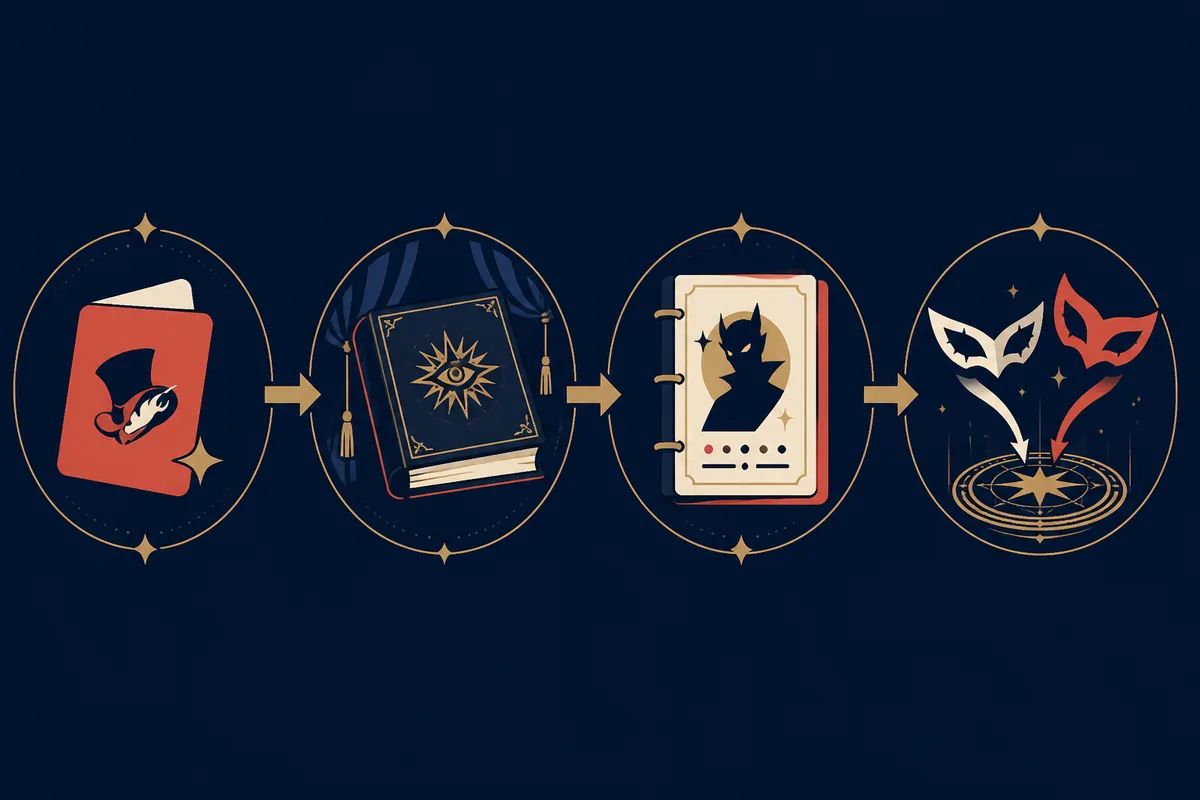
Roster reading
3. Original, Picaro, and special DLC Persona variants
The roster contains related names that are still separate records. Ariadne and Ariadne Picaro, Kaguya and Kaguya Picaro, or Thanatos and Thanatos Picaro should be treated as different targets with their own level, skills, and recipe context. Searching only the first word can lead you to the wrong detail page.
The same applies to the Persona 5 Royal DLC entries that share an Arcana. The Arcana column is a useful grouping, not a substitute for the target's exact record. A level 20 Fool entry and a level 80 World entry do not answer the same fusion question even if both are DLC.
Izanagi-no-Okami and Izanagi-no-Okami Picaro are marked as special in the local data. That label is a warning to leave ordinary Arcana assumptions behind and inspect the fixed target requirements. The other entries may still have skill inheritance, current-level, or itemization decisions that make the cheapest recipe a poor build route.
How to read the table
- Use the full displayed name when opening a target page or searching the compendium.
- Use base level to sanity-check the record; do not confuse it with the level of a strengthened copy.
- Use Arcana to understand the normal fusion direction, then check the exact target record.
- Use the special label as a prompt to inspect fixed ingredients before testing normal two-Persona pairs.
Fusion rules
4. How DLC Personas can change a fusion result
Normal fusion first uses the two Arcana inputs and the game's level and rank resolution to select a result. The DLC setting changes the pool that the resolver can choose from. That means the same two ingredients can produce a different nearby result when a DLC Persona is available or unavailable, especially when several entries sit close together in the destination Arcana.
The calculator is most useful when you keep the experiment controlled. Pick one target, make a note of the two settings, run the recipe, then switch only one DLC toggle and run it again. If the output changes, you have evidence that the available Persona pool matters; if it does not, check special fusion, Treasure Demon behavior, or current levels next.
DLC does not override every rule. A fixed special fusion still uses its fixed ingredients, and a Treasure Demon still follows its own rank-shift behavior. The right question is not whether DLC is always the cause; it is whether the current target belongs to a result family that can be affected by the changed pool.
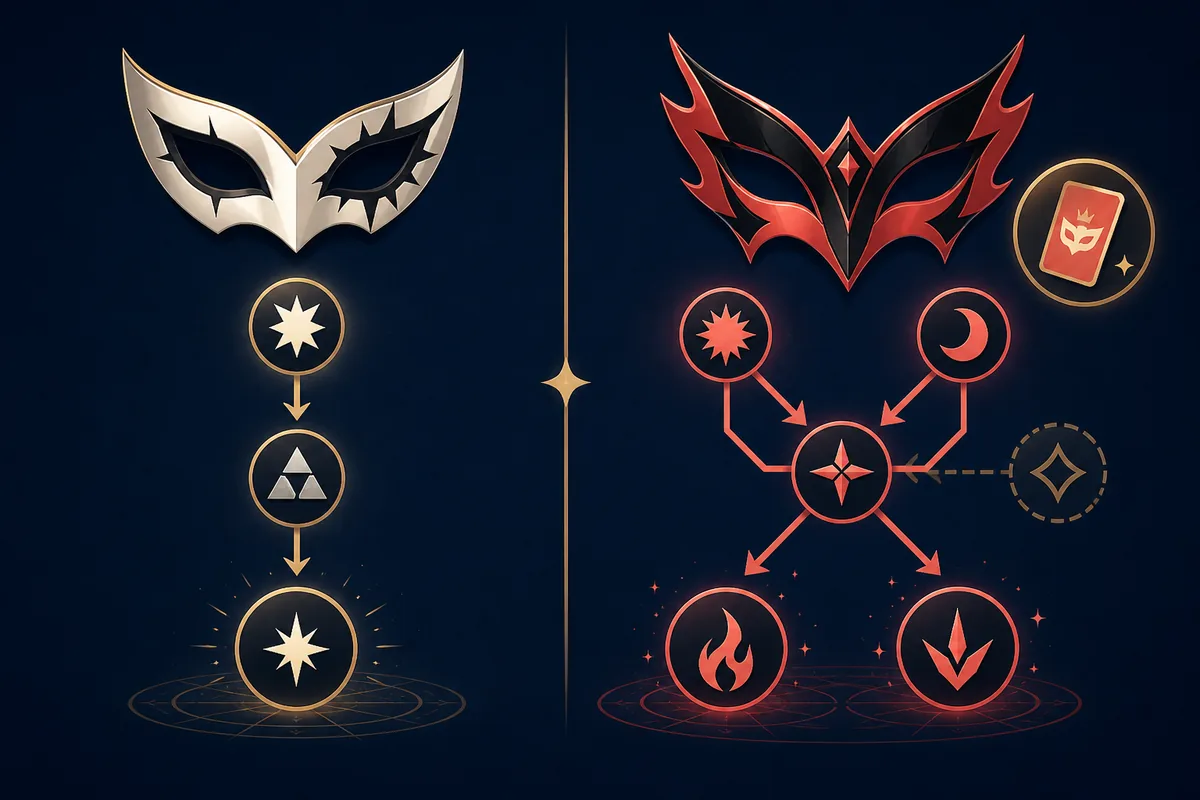
Recommended workflow
5. Use the DLC Persona list with the fusion calculator
Begin with the target, not with a random ingredient pair. Open the list or Persona database, confirm the exact record, and decide whether the target is normal, special, rare, or DLC. Then open the calculator and make the DLC settings match the save before reading the first recipe.
If you already own two ingredients, ingredient mode is useful for a quick result check. If you are working backward from a target, reverse fusion is the better starting point. In both modes, keep the current level and the active DLC set consistent with the game; changing them mid-route makes the output hard to explain.
After the recipe is stable, check skills and itemization. A DLC Persona may be the right target for a skill, trait, or Electric Chair result, but the best route depends on what you are trying to preserve. A compendium completion route can favor cost and availability, while a combat build may favor skill inheritance over the cheapest pair.
Decision table
| Your question | Start here | Next check |
|---|---|---|
| Which DLC targets exist? | DLC Persona list | Persona detail page |
| Which ingredients make this target? | Reverse fusion calculator | DLC toggles and special flag |
| What will two owned ingredients make? | Recipe Generator | Current level and DLC pool |
| Why did the result change? | Fusion Guide | Arcana, Treasure Demon, or special rules |
| Can the target carry my skill? | Skill List | Inheritance type and source Persona |
Limits and caveats
6. What this list can and cannot verify
The page can explain the local data model and show which records carry the DLC flag. It cannot read your platform account, confirm a store purchase, inspect a save file, or promise that a regional bundle uses the same entitlement wording. Those checks belong to the official platform and the game itself.
The page also does not replace the in-game Compendium. Names, levels, and flags are useful for finding the right record, but a current save can differ because a Persona is unregistered, a DLC pack is unavailable, or the player is using a different edition. Treat the table as a planning index and verify important decisions in the game before spending resources.
Finally, a correct fusion result is not automatically a good build. Skill inheritance, traits, current levels, itemization, and Fusion Alarm rules can change the best route. Use this guide to identify the DLC variable, then move to the focused page that answers the next question rather than forcing every decision into one list.
Common symptoms
| Symptom | Likely explanation | Action |
|---|---|---|
| The target is missing | DLC is not active or the name is a variant | Check entitlement and the exact compendium name |
| A nearby result appears | The available Persona pool or level differs | Match DLC toggles and current levels |
| A normal recipe never works | The target is special | Open the detail page and inspect fixed requirements |
| The build loses a skill | Inheritance restrictions changed the route | Check the Skill List before choosing ingredients |
FAQ
Persona 5 Royal DLC Personas FAQ
How many Persona 5 Royal DLC Personas are in this list?
The local Persona 5 Royal data used by this site marks 25 records as DLC, including original names, Picaro variants, and special targets. Treat that number as the site's planning index and verify platform availability in your own game.
How do I get the DLC Personas in Persona 5 Royal?
Confirm that the relevant DLC is owned and installed for your platform, then check the Velvet Room Compendium and summon or register the exact Persona name. The page cannot grant access or confirm an account entitlement.
Why does my Persona 5 Royal DLC Persona recipe differ from the calculator?
The most common cause is a mismatch between your save's DLC availability and the calculator's DLC toggles. Match that setting first, then check the exact variant, special status, current level, and Treasure Demon rules.
Are Picaro Personas separate from the original DLC Personas?
Yes. A Picaro variant is a separate record with its own level and recipe context. Use the full displayed name and open the matching detail page instead of treating the two names as aliases.
Does every DLC Persona use normal fusion rules?
No. Most records can be checked through normal calculator workflows, but the local data marks some targets as special. For a special target, inspect fixed ingredients rather than relying only on Arcana pair math.
Can this DLC Persona guide tell me which DLC bundle to buy?
No. Store bundles, platform editions, regions, and promotions can change. Use the official platform listing for current entitlement details, then use this page and the calculator for in-game planning.
Checked sources
Sources and media note
The roster table is generated from the site's local 232-record data, adapted from the Apache-2.0 licensed calculator reference. The images on this page are original explanatory illustrations, not official screenshots. Check the official game and platform pages for current entitlement details.